HOPE 01 Troubleshooting
Practical fixes for launch-week client issues before you blame the Hab Cluster.
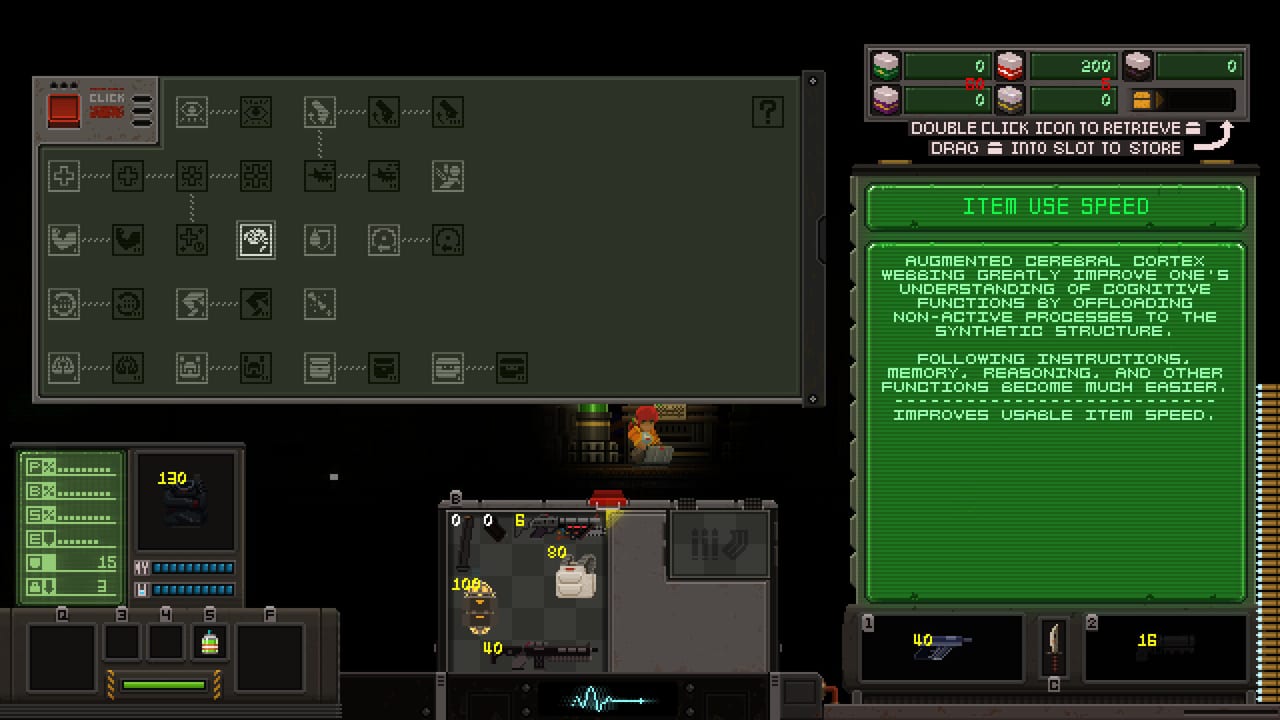
HOPE 01 is a tiny install with a dense combat loop. When something feels wrong, it is often the client — uncapped framerate, a window mode quirk, a Linux render oddity — not your aim. This page collects public community and developer-facing issues from the demo-to-Early-Access window and turns them into a checklist. It is not an official support contract. When Steam news or Discord disagrees with a line here, Steam wins.
Specs and Deck notes: System Requirements. Keybinds: Controls. Bug report channels: Links Hub. Gameplay after it behaves: Getting Started.
Fast checklist (do these first)
- Verify game files in Steam for app 4562940.
- Cap FPS to your display refresh (or 60/120/144) via GPU control panel, OS, or a frame limiter. Do this even on a powerful PC.
- Disable exotic overlays (extra FPS meters, broadcast hooks) if dodge or menus feel sticky.
- Try windowed or borderless, then return to fullscreen once the image is stable.
- Update GPU drivers with a clean path if the window is black or tiny.
- Note your OS (Windows vs native Linux) before you post a bug.
- Confirm you are on the EA client, not a leftover demo shortcut, if content looks impossibly small.
If the character still moves a beat late after a hard FPS cap, keep reading. If the game never paints a frame, jump to the black-screen section.
Uncapped high FPS and sluggish input
A launch-week Steam discussion described an FPS overlay reading in the thousands, with delayed button response and a heart-monitor UI that hiccuped. The machine was not “too weak”; the framerate was uncapped and absurd, and input felt soft as a result. Ironic for a ~70 MB pixel-art RPG — and easy to misread as a game design problem.
What to do:
- Cap frames in NVIDIA / AMD / Intel control panels for HOPE 01 specifically.
- Or use Steam / RTSS / OS limiters if you already trust them.
- Re-test dodge (double-tap A/D) and inventory open/close after the cap.
- Mention your FPS cap when you report leftover lag on Discord or Steam forums.
An in-game cap may or may not exist in your build. Do not wait for one before limiting externally. More context sits on System Requirements.
Linux: tiny or weird enemy rendering
During the demo period, Steam news called out a Linux-specific problem: an enemy rendered weirdly on Linux and appeared super tiny, with a related note about fixing an “invisible” enemy for Linux players. Native Linux is a real store feature (GamingOnLinux covered the game for that reason), but native does not mean every sprite path was perfect on day one.
What to do if something looks impossibly small or hard to read on Linux:
- Confirm you are on the native build Steam offers, unless you are deliberately testing Proton for comparison.
- Verify files after any news post that mentions Linux fixes.
- Capture a screenshot with the enemy and your distro / GPU / whether the Steam runtime is stock.
- File it on Discord or Steam discussions with those details — the developer asked for that feedback during EA.
Do not assume every tiny sprite is the same bug forever. Patch notes may retire it; new enemies may introduce new edge cases. Re-check Updates Hub after Linux-tagged news.
Single-button dodge bug (launch note)
Community / developer notes at Early Access start included a minor single-button dodge bug fix: when aiming a weapon and using the one-button dodge setting, the dodge roll could behave as if stationary. Double-tap dodge and the rest of the move set are load-bearing in a game Steam tags with souls-like combat language.
What to do:
- Update to the build that includes the fix (verify files).
- If you use a single-button dodge bind, re-test while ADS / aiming.
- Fall back to double-tap A or D while you confirm the patch.
- Re-read Controls if you remapped everything during the demo.
If dodge still fails after a verified update, report OS, bind method, and whether a weapon was aimed — not just “dodge broken.”
Black screen or tiny window on launch
Players have reported small window + black screen behaviour at launch, including cases where generic FAQ advice did not immediately help. Pixel-art games sometimes initialise on a wrong display mode, especially with multi-monitor or unusual scaling setups.
Work through in order:
- Alt-Tab away and back; wait a few seconds on first boot.
- Force windowed via launch options if your build documents any (or use GPU / OS display resets).
- Set the Windows / desktop resolution to a standard native panel size before launching.
- Disable forced GPU scaling experiments you added for other games.
- Verify files; reinstall only after verify fails to correct it.
- Post on Steam discussions or Discord with monitor count, resolution, OS, and a photo of the tiny window if you can.
We will not invent undocumented launch flags. If the developer posts a specific FAQ command, prefer that text over this wiki.
English-only UI
Not a bug: Steam lists English interface, full audio, and subtitles. Missing French buttons inside the client is expected. This wiki’s /fr/ pages will not change the executable. If you need language clarity for systems, keep the matching locale of this site open on a second monitor while the English client runs.
Demo versus Early Access differences
Confusion often looks like a bug:
- The demo (app 4604250) was a one-to-two-hour slice: 40+ guns, 20+ gadgets, one NPC quest slice, tiny labyrinth, one boss, one spawn.
- The developer said the demo would come down for EA launch because the build had moved, with a possible later return.
- EA is the completable campaign with 50+ quests, numerous bosses, and multiple endings.
If your shortcut still points at demo content, or you expect the demo save to mirror the September 15 map, you will “troubleshoot” problems that are really version mismatches. Play the paid EA client. Re-learn extracts and fabricator colours even if demo muscle memory remains. Early Access Launch.
Performance expectations (so you do not chase ghosts)
- The Windows storage line is about 70 MB; Linux storage listing is higher (400 MB).
- Steam’s 16 MB RAM minimum is almost certainly a store typo; do not buy hardware around it. System Requirements.
- A 2D pixel game can still feel wrong with uncapped frames, bad scaling, or overlay hooks.
- Steam Deck compatibility may display as unknown even when players report excellent sessions — cap FPS for battery and input feel either way.
When the game works but you still die
That is usually not troubleshooting:
- Missed extract timer → How to Extract.
- No light in a dark room → Gadgets.
- Dry mag because you never drag-loaded → Controls.
- Quest item lost on a wipe → NPC Quests.
- Boss donated a dirty bag → Boss Fights.
Fix the client first. Then fix the scavenger.
How to file a useful report
Bending Boy Games pointed players at Discord and Steam discussion forums during Early Access. Include:
- Windows or Linux (distro if Linux).
- Native vs Proton if relevant.
- Whether FPS is capped and to what.
- Whether the issue is launch, UI, extract, combat, or quest flag.
- Approximate build date or news post you are on.
- Screenshot or short clip when a sprite or window is wrong.
Links: Links Hub. Design feedback on fabrics and bosses belongs there too, but mark it as balance opinion rather than a crash.
Suggested order after a bad night
- Cap FPS and re-test dodge.
- Verify files.
- Confirm EA client.
- Tick Loadout Checklist so the next death is educational.
- Only then chase HAB 01 again.
The Cluster is supposed to be unfair. Your framerate is not.
Frequently Asked Questions
Quick answers to the most common questions.
Why does HOPE 01 feel laggy on a strong PC?
Uncapped framerates in the thousands have been reported to delay input. Cap FPS first, then re-test. See also System Requirements.
Enemies look tiny on Linux. Is that known?
Demo-era Steam news described a Linux enemy that rendered weirdly and appeared super tiny, plus related invisible-enemy fix notes. Verify files, confirm native Linux, and report if it persists.
My dodge does nothing while aiming. What now?
A launch note fixed single-button dodge while aiming so the roll was not stationary. Verify files, or use double-tap dodge from Controls meanwhile.
I get a black screen or tiny window at launch.
Try windowed mode, reset display scaling, verify files, and report monitor setup on Discord or Steam via Links Hub if it continues.
Is the game available in other languages?
The client is English-only per Steam. Wiki locales do not change in-game text. For gameplay help, use Getting Started.